API keys
Create a personal key to read your guild's data from scripts, Home Assistant or a bot.
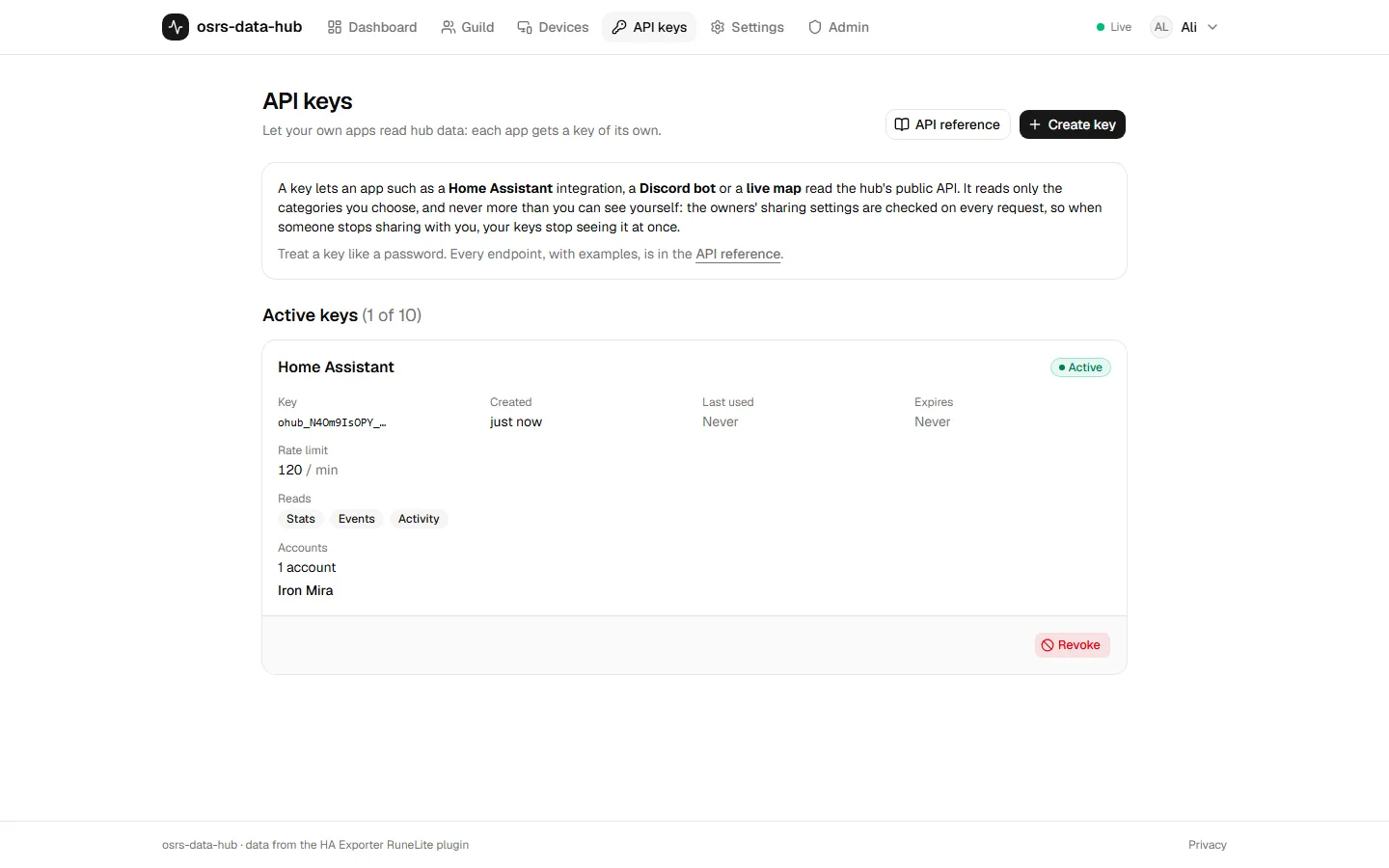
Any member can create personal API keys on the API keys page (/api-keys). A key reads the
API as you: it never sees more than you can see in the web app, and often less.
Create a key
Click Create key and choose:
- Name: what it's for, such as "Home Assistant".
- Categories: what it may read (
stats,events,activity,location_live,location_history,equipment,inventory). Give it only what the integration needs. - Accounts: every account you can see, now and later, or only the accounts you pick.
- Expiry: never, 30, 90 or 365 days.
The key looks like ohub_<prefix>_<secret> and is shown once. Copy it straight into your
integration. The hub keeps only a hash; if you lose the key, revoke it and create a new one.
You can hold up to 10 active keys.
What a key can read
A key reads the overlap of three things, worked out again on every request:
- the key's categories;
- the key's accounts;
- what you can see right now, under the owners' sharing settings.
When someone stops sharing with you, your keys stop seeing it immediately. When you leave the guild, your keys stop working.
Use it
curl -H "Authorization: Bearer ohub_NM5kHo1WTn_…" https://hub.example.com/api/v1/me/me tells you the key's categories, scope, rate limit and how many accounts it can see. It makes a
good connection test.
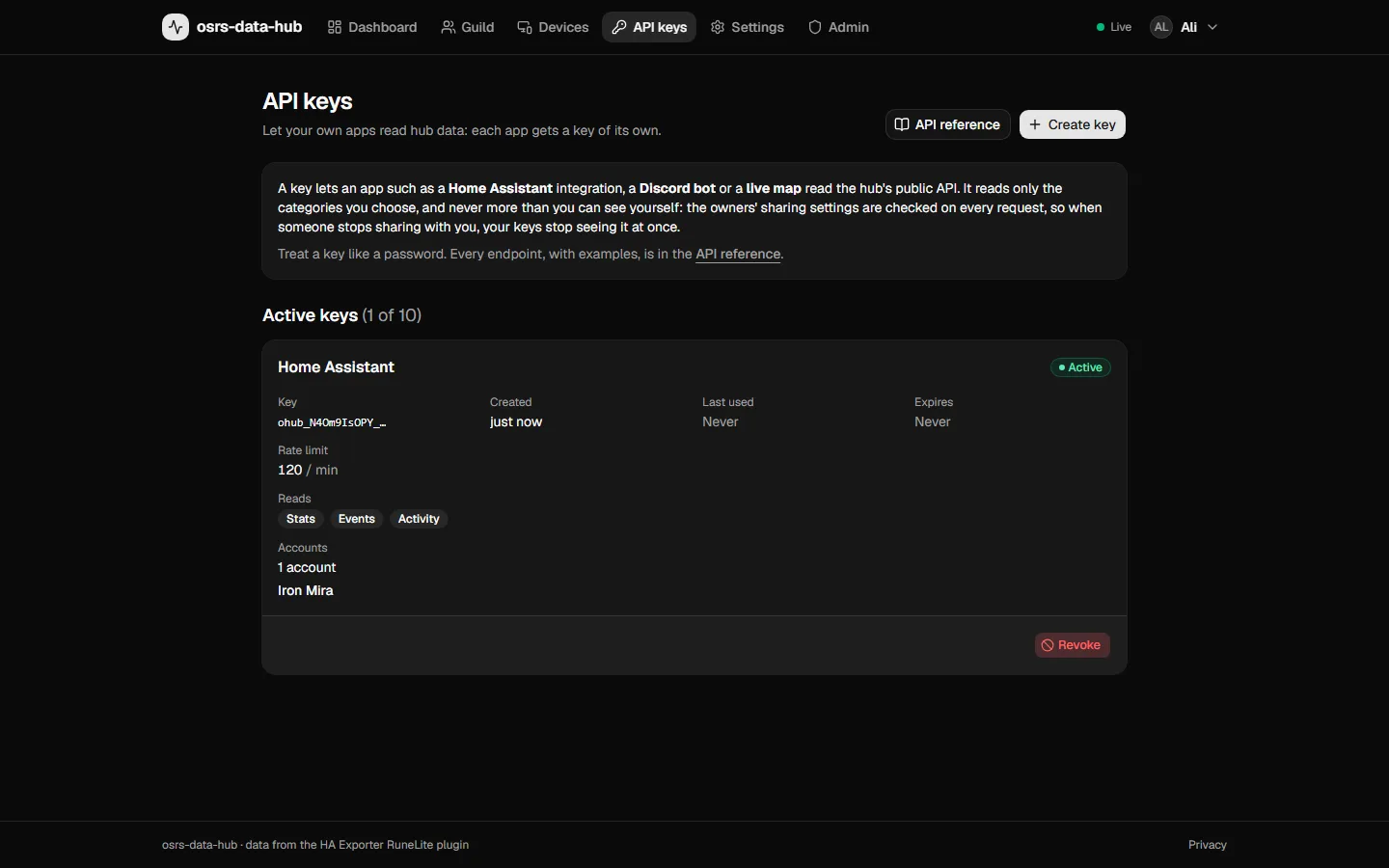
The API page lists each key's prefix, categories, scope, when it was created and last used, and when it expires. Revoke a key there and it stops working on its next request.
Personal key or integration key?
For a service the whole guild uses (a live map, a shared Discord bot), ask an admin for an integration key instead. It doesn't depend on you staying in the guild, and it has higher limits. See Integrations.