Connect RuneLite
How a player pairs the HA Exporter plugin with the hub. Share this page with your guild.
Every player connects their own RuneLite client once. After that, the plugin sends their data whenever they play. It takes a couple of minutes.
Install the plugin
In RuneLite, open the Plugin Hub and install HA Exporter, version 1.5 or newer. The hub refuses older versions and tells you which version it saw.
Get a code from the hub
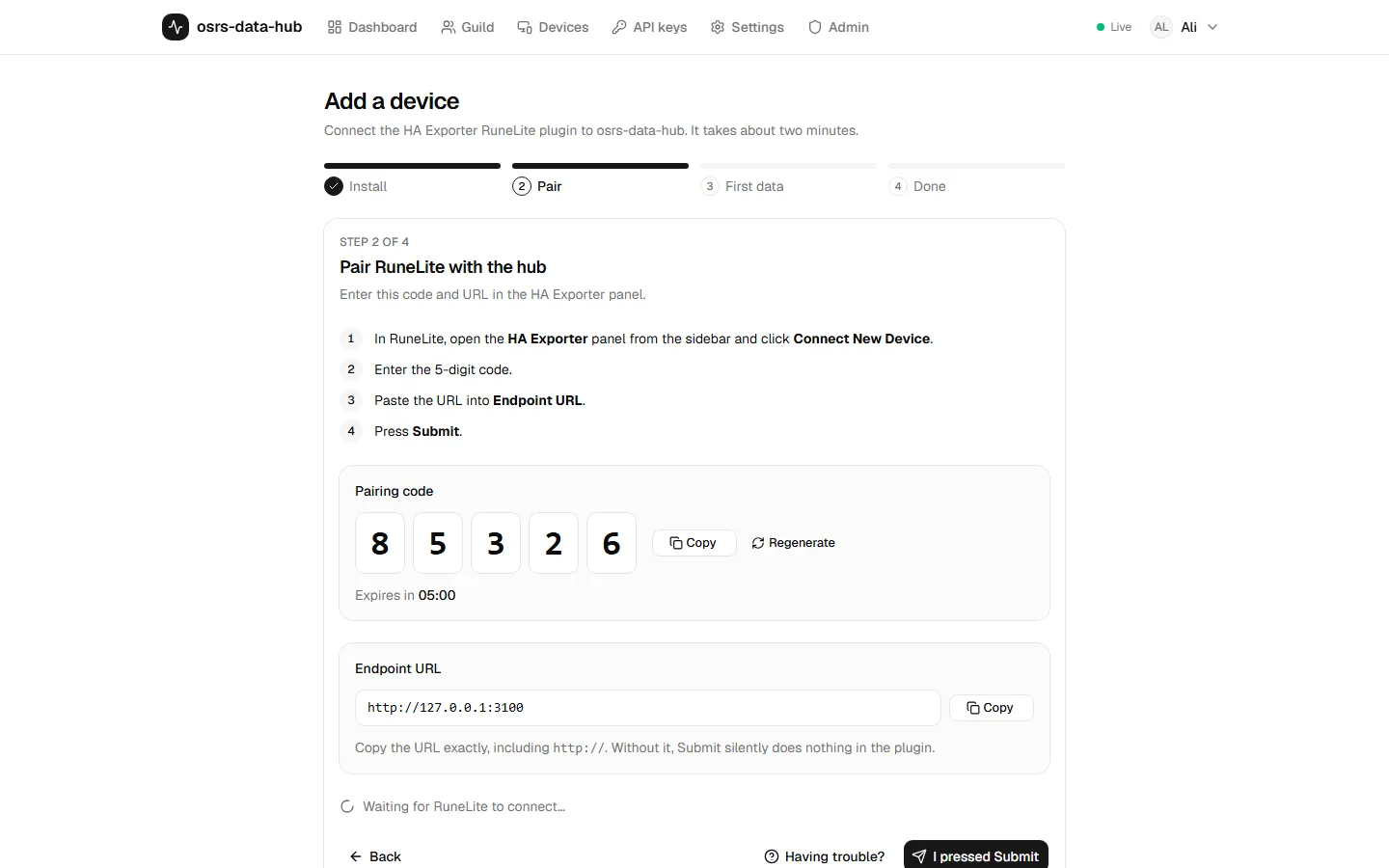
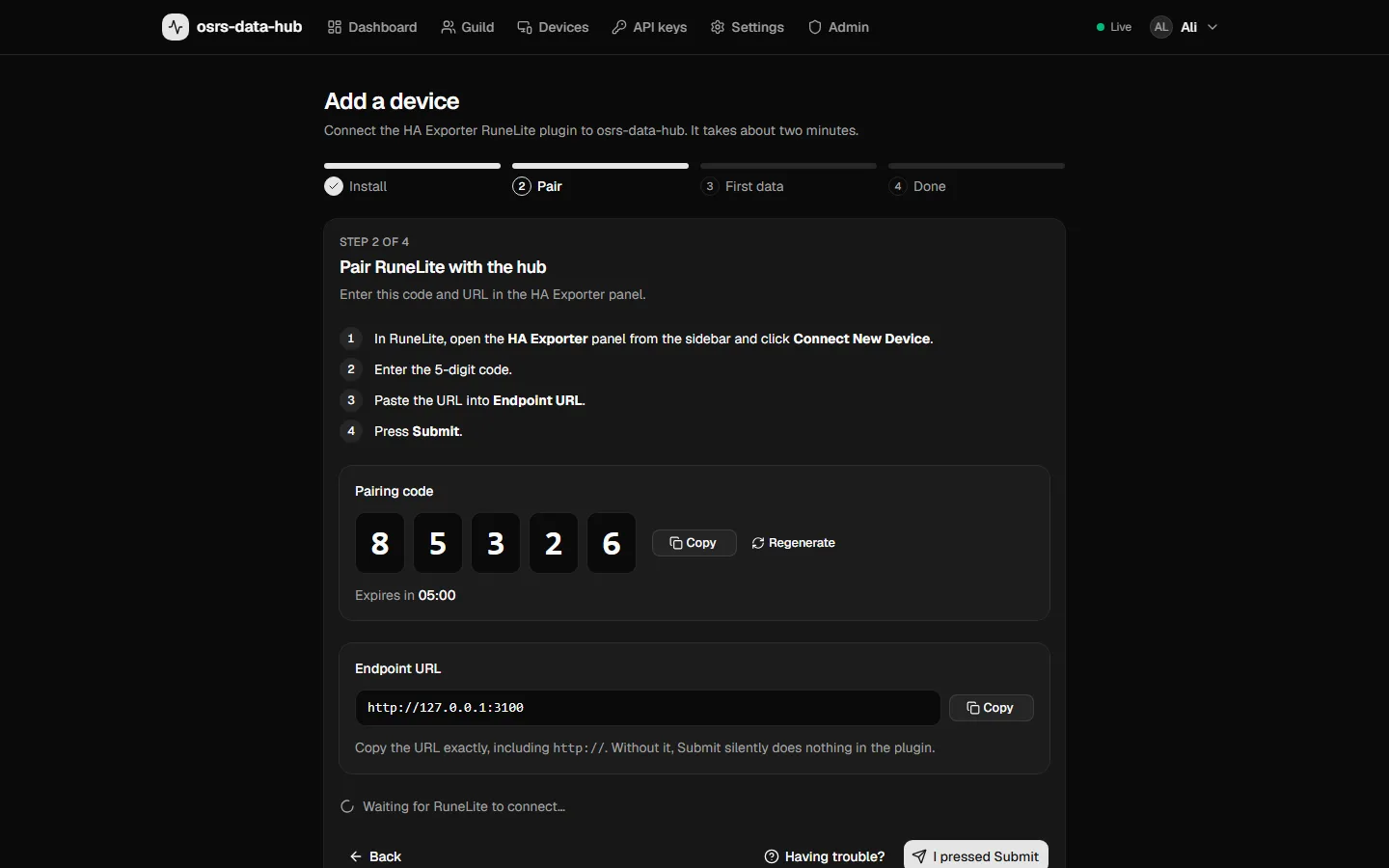
Sign in to the hub with Discord and open Add device. The wizard shows two things:
- a 5-digit code, valid for 5 minutes and usable once;
- the hub URL, such as
https://hub.example.com.
You can name the device (for example "Desktop" or "Laptop") so you can tell your connections apart later.
Pair
In the HA Exporter panel in RuneLite, paste the hub URL and the code and press Submit. The wizard confirms the connection live: "RuneLite is connected".
Log in to OSRS
Log in to the game whenever you like. Within seconds the wizard shows "Receiving data for your name", and the account appears on your dashboard.
If pairing doesn't work
The wizard shows these hints too when nothing arrives:
- Check the Endpoint URL: it must start with
https://. A URL without it fails silently in the plugin: no message appears, and Submit stays greyed out until you edit a field. - Check the code: exactly the 5 digits the wizard shows, and not expired. Reloading the wizard gives you a new code once the old one expired.
- Check the plugin version: HA Exporter must be 1.5 or newer. Restarting RuneLite updates it. The wizard names the version it saw when the plugin is too old.
- Check that RuneLite can reach the hub: open the hub URL in a browser on the same computer.
What gets sent
The plugin decides what is sent, in its own settings; the hub stores only what arrives and shows anything else as "not shared". On top of that, the account's owner decides who in the guild sees each category. See Sharing and permissions.
Devices
Devices lists every paired RuneLite client with its plugin version, when it was last seen and which accounts it reports. You can rename a device, and revoke it to stop it sending data. Revoked devices have to pair again.
One device can report several accounts, and one account can be reported by several players' devices.